
You will need
- A SiteManager Form (from our Platform Library or Snippet)
- An account on Akismet
Important
Akismet will not work in older forms! An older form usually has the ID custom_form[:swpageitemid:] while a newer form will have the ID s-form[:swpageitemid:]_[:swpagelistid:]
First Steps
Our first step will be to head over to Akismet. Before we contine we have to choose a plan.
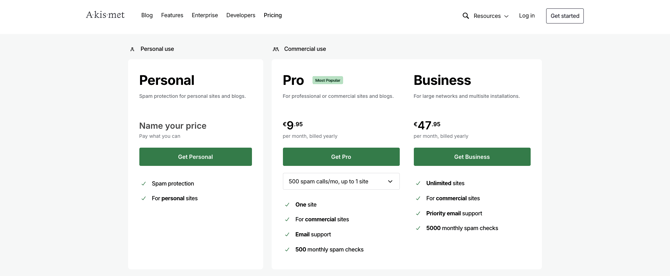
Once you have chosen the plan you need, follow the next steps to finish setting up your account and plan.
Once done, you'll receive your API Key.
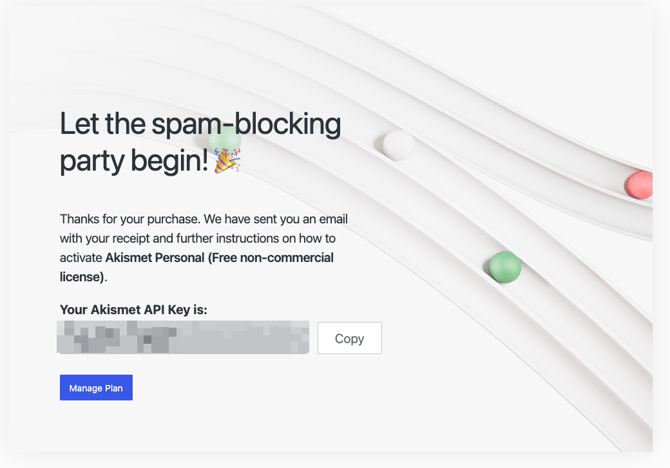
You can check out your plan & API Key by clicking Manage Plan
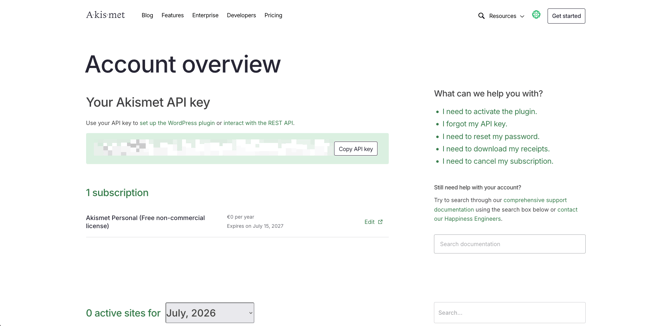
Installing the integration
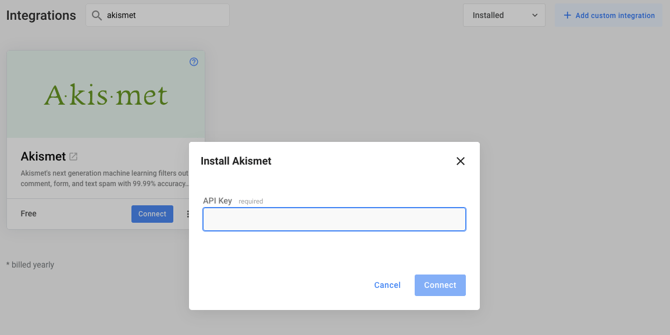
When you completed the setup and you have your API Key, the next step is to install the Akismet Integration from the Integrations Overview.
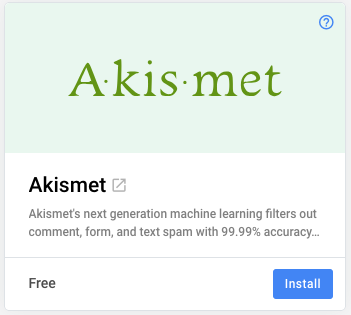
After installing the integration, click on Connect to open the popup.
All done!
Akismet will automatically apply on all your forms, don't forget to publish your changes!