![SM_Platform-logo.png]](https://support.sitemanager.io/hs-fs/hubfs/SM_Platform-logo.png?height=40&name=SM_Platform-logo.png)
With banner content it is possible to work with the entire width of the screen, but the added elements can still be shown in a container (within content boundaries).
If we edit banner content, we first have the setup section.
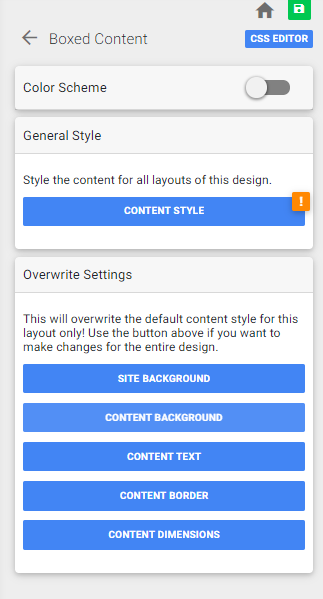
- In Banner content there is the option to choose between banner boxed (within content boundaries) or full width (entire width of the screen).
- Content Background is used to enable a color, cover picture (image), pattern, parallax picture (moves when scrolling) or no background.
- In the Content Background settings you can pick a background-color for the entire content section
- The image that is selected is used to visualize a cover or parallax picture.