
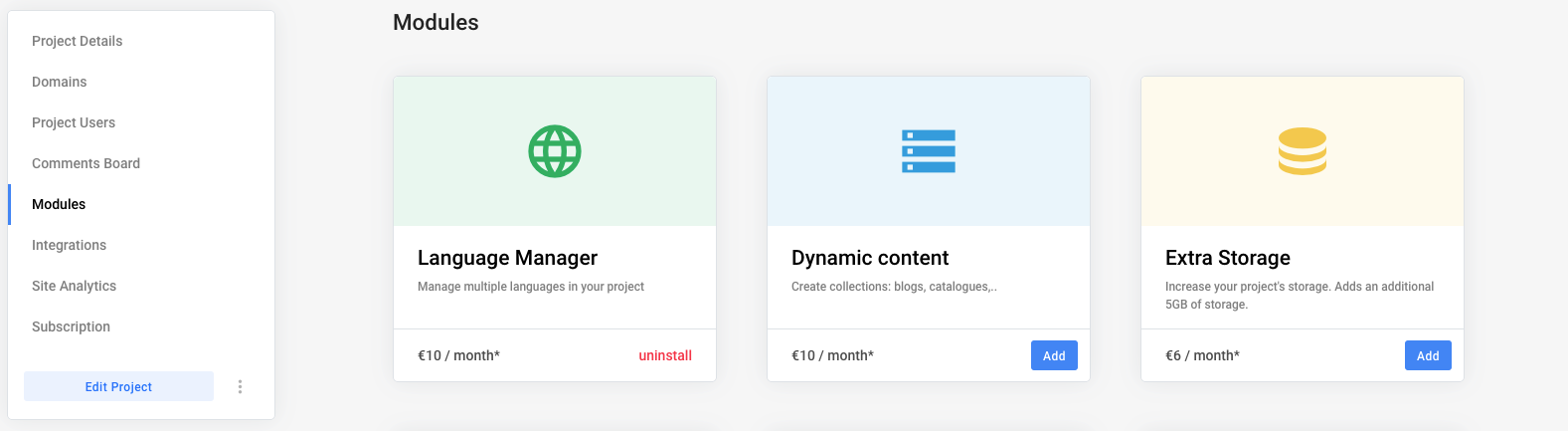
- Go to General Project Settings > Modules.
- Install the Dynamic Content Module.
After installing the module, you will be able to see a Dynamic Content tab displayed in your dashboard upper navigation bar.
Tip:
If you want to add content from your favorite applications, such as Notion or Google Sheets, add the External Content Module to your project.