
Once your're ready, you can go live with your project.
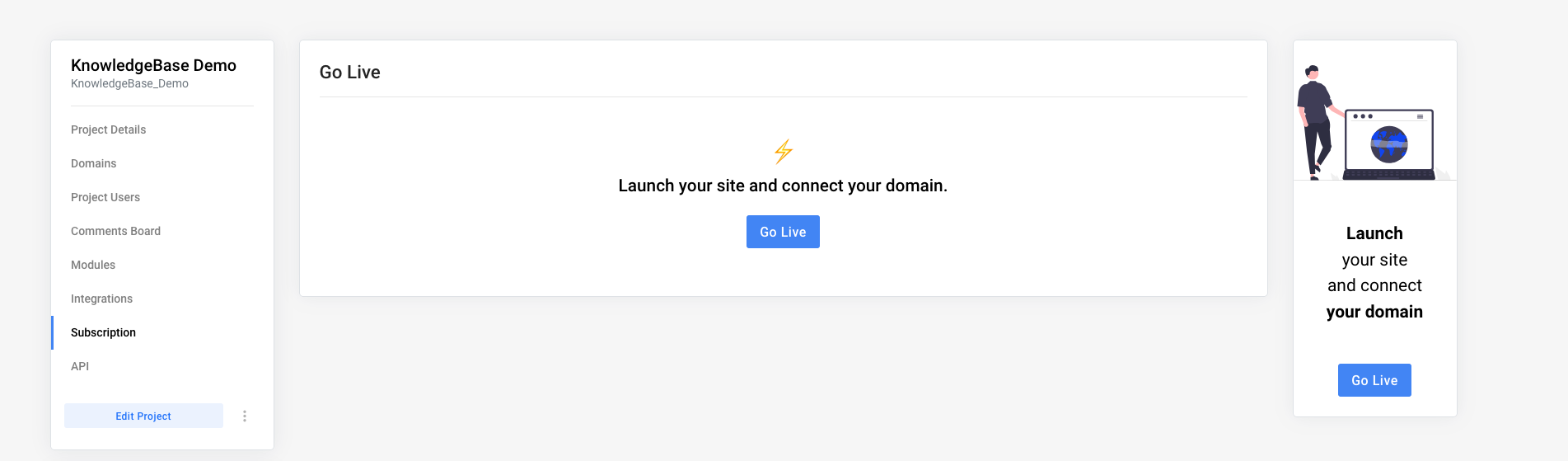
To do so, we navigate to the project settings. Next up, click Subscription. After clicking the Go Live button and following the next steps, your subscription will be active.
Add domain
Once the subscription is active, you can add (or buy) your domain! You can learn more in this article.